
Your MP3 tags are broken, and your listeners can see it. Fix them in seconds, right in your browser.
You upload a track. Your station plays it. And instead of the song title and artist name, the display shows Unknown Artist — Track 01. No artwork. Wrong album. Maybe the wrong title entirely.
If you manage a radio station, you’ve seen this. It’s one of those small problems that takes up a disproportionate amount of your time — hunting down the right metadata, opening desktop software, fixing one file at a time.
Today that changes.
Broken tags don’t just look bad, they make your station feel unprofessional.
Why Metadata Matters More Than You Think
Metadata isn’t just cosmetic. For radio stations, it’s the information that flows through your entire system — from your automation software, to your stream, to what listeners see on their apps and devices. When it’s wrong, every layer downstream shows the wrong thing.
Missing artwork makes your stream look unfinished. Wrong artist names frustrate listeners who try to find the song later. Incorrect titles break song-request integrations and confuse playout software. And when you’re managing hundreds or thousands of tracks, fixing these one by one in a desktop app is a real drain on your time.
The problem isn’t that people don’t care — it’s that the tools to fix it have always been clunky, slow, or require installing software you don’t want on every machine.
Fix your MP3 tags before they go live on your station.
Clean, correct metadata in seconds, no software, no uploads.
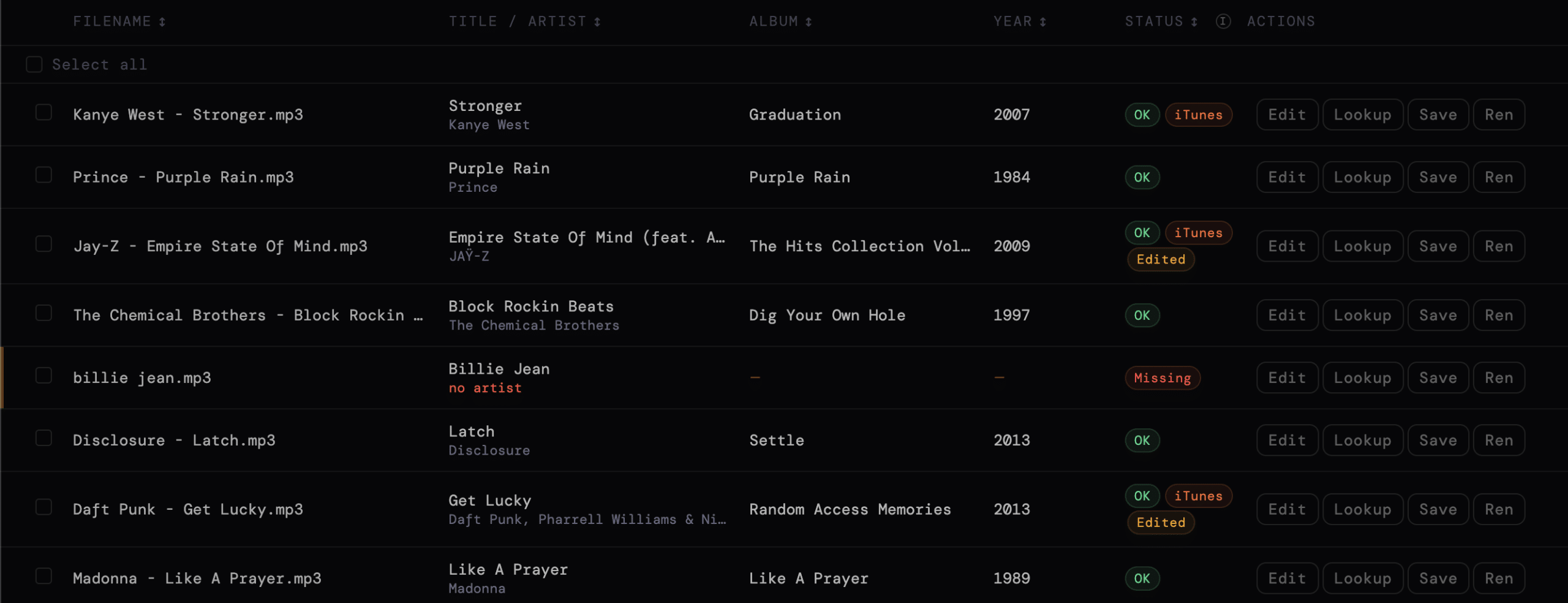
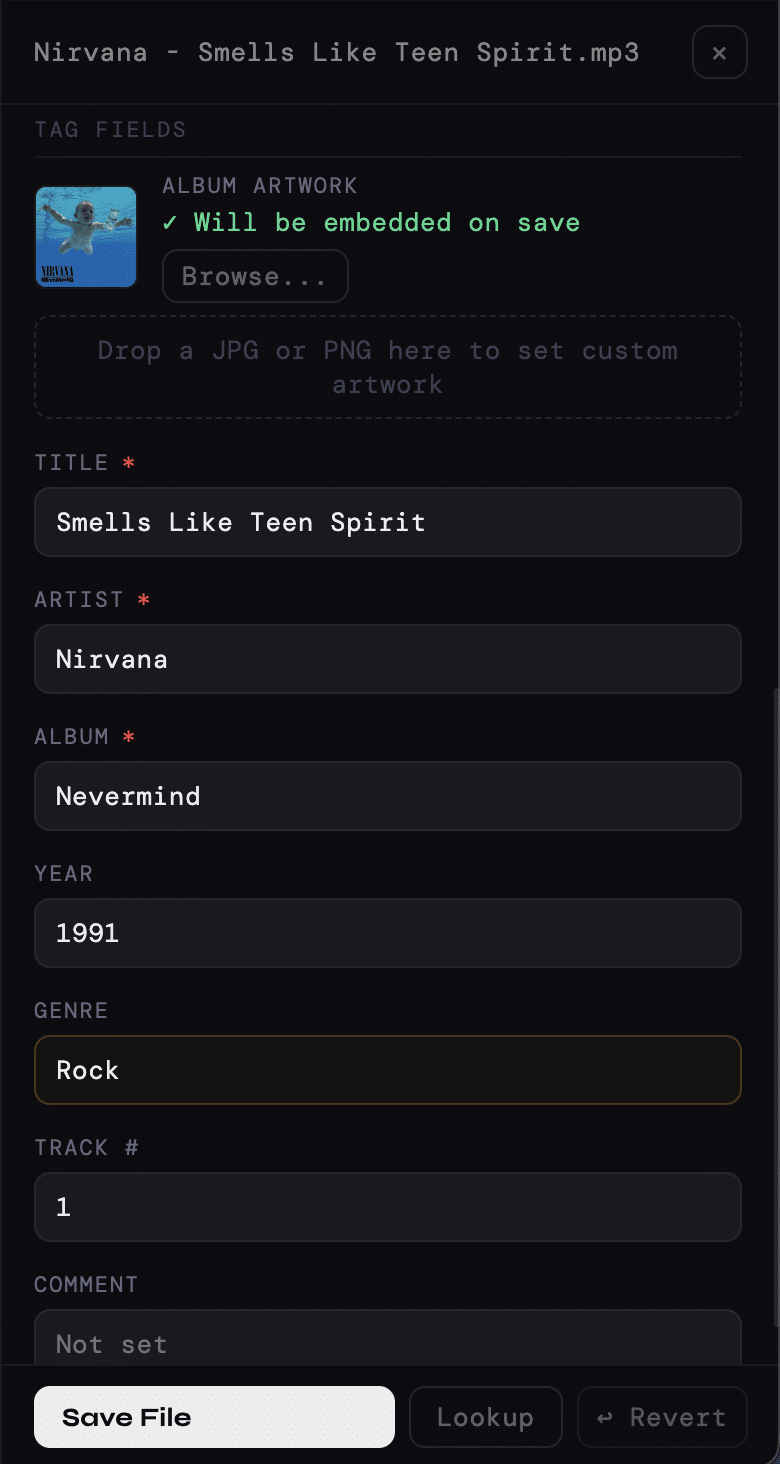
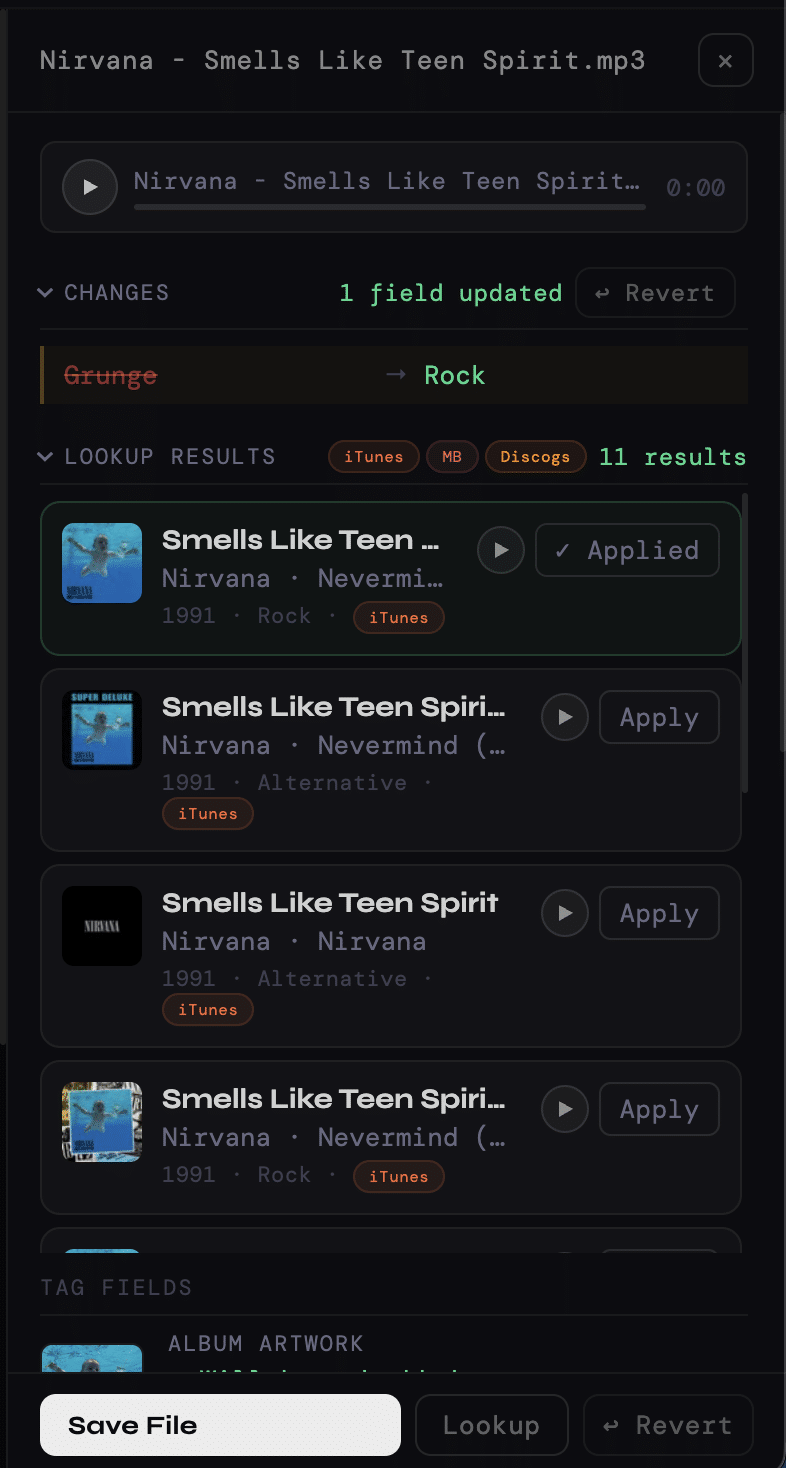
Fix your MP3 metadata in seconds, directly in your browser. Open it, drop in your files, and it automatically looks up the correct tags — title, artist, album, year, and artwork — from iTunes, MusicBrainz, and Discogs. Review the results, make any adjustments, and save. That’s the whole workflow.
No software to download. No files uploaded to a server. Your audio stays on your machine the entire time. It works in Chrome, Edge, and Safari.
What You Can Do With It
- Fix missing artist, title, and album in one click
Instantly look up the correct metadata and apply the best match automatically, no manual editing needed - Clean your entire music library in minutes, not hours
Drop a full folder and process everything in one session instead of fixing tracks one by one - Get accurate metadata from iTunes, MusicBrainz, and Discogs
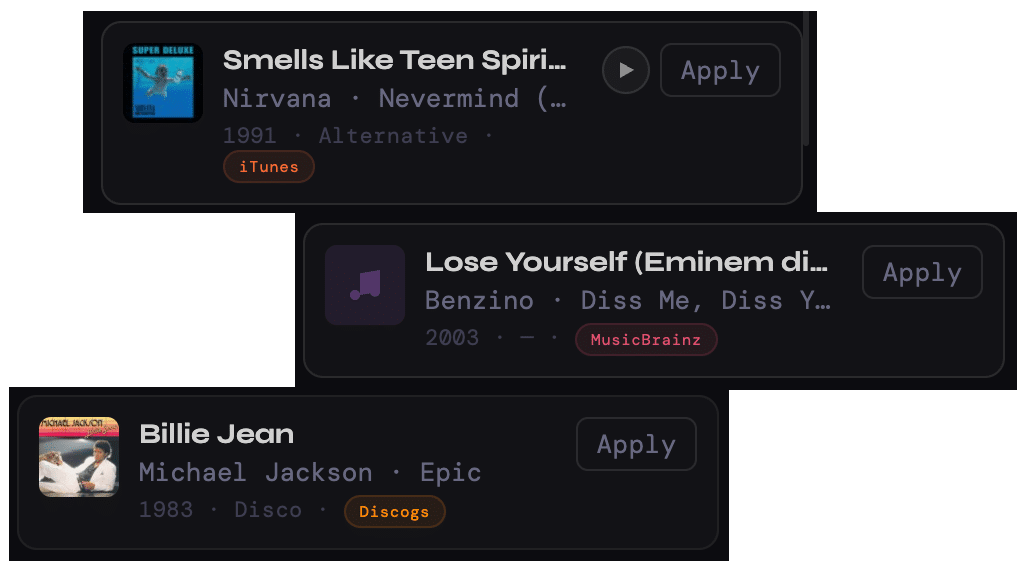
Pull metadata from iTunes, MusicBrainz, and Discogs for better coverage across mainstream and independent releases - Make your station look professional everywhere it plays
Embed album artwork directly into each file so listeners see the right cover on every app and device - Keep your library organized automatically
Rename files based on clean metadata so everything stays consistent and easy to manage - Quickly find and fix what’s broken
Filter and sort your tracks to focus only on files with missing or incorrect tags - Save your files exactly how you want
Overwrite originals, export to a new folder, or download individual tracks after fixing them
How It Works
No setup. No installs. Just drop your files and fix them.
The whole workflow is three steps:
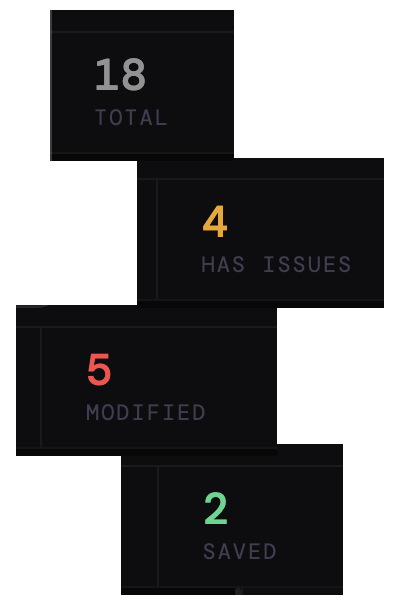
1. Drop your files. Click “Add Files” or “Add Folder” and select your MP3s. The tool reads their existing tags instantly — no uploading, no waiting. You can see at a glance which tracks have issues.
2. Look up the correct metadata. Hit “Lookup All” and MP3tag Studio queries iTunes, MusicBrainz, and Discogs in parallel. The best match is applied automatically. You can review results, pick a different match, or edit any field manually.
3. Save. Save individual files, save all at once, or overwrite originals directly. Your corrected files are ready to upload to your station.
🔒 Your files never leave your computer. MP3tag Studio runs entirely in your browser. Your audio files are read locally and written back locally. Nothing is uploaded to any server. This isn’t a privacy policy caveat — it’s how the tool is built at an architectural level.
Who It’s For
MP3tag Studio is built for the people behind the music, the ones managing libraries that go on air:
- Radio station owners
Keep your stream clean, professional, and consistent across all listening apps - AutoDJ users
Fix your tags before uploading and avoid broken metadata on your live stream - DJs and producers
Prepare clean, properly tagged files for mixes, sets, and distribution - Anyone with a messy music library
Clean up inconsistent or missing metadata without spending hours fixing tracks one by one
Part of the ShoutCheap Studio Series
MP3tag Studio is the first tool in our new Studio Series — a growing set of self-serve tools built specifically for ShoutCheap customers. Each tool is designed to run in your browser, require no accounts or installs, and solve a specific real problem that radio station operators deal with.
More tools are coming. If you’re already a ShoutCheap customer, you’ll get early access as they launch.
Fix your MP3 tags in seconds, right in your browser.
MP3tag Studio is available at no extra cost to every active ShoutCheap customer. Log in to your account and open it directly — most people are fixing their first file within a few minutes.
Not a ShoutCheap customer yet? Start your radio stream here and get access to MP3tag Studio along with everything else in the Studio Series as it grows.
Included with your ShoutCheap plan. No downloads. No setup.


